AI agents for SaaS are fast becoming a checkbox. Users now expect smart, responsive and automated features out of the box. If you embed AI into your product and build on proven multi-agent frameworks, those features can become new revenue instead of a cost.
In quoting, legaltech, e-commerce and vertical SaaS alike, “AI-enabled” is the new baseline. However, building AI features in-house is costly and pulls focus from your core roadmap. So the better approach is to embed AI on a runtime that does the heavy lifting. At Spiral Scout, we build these features on Wippy, our open-source agent runtime (MPL-2.0).
This guide is for product owners and CTOs who want to sell agent features as premium functionality.
How SaaS companies make money from AI agents
SaaS companies usually charge for AI agents in one of three ways: a flat add-on per tenant, usage-based fees, or pricing tied to outcomes. In each case, the agent has to act inside the product, keep each customer’s data separate and log usage for billing. Because building that runtime in-house is slow, many teams start on an existing one.
Why the Runtime Matters for AI Agents in SaaS
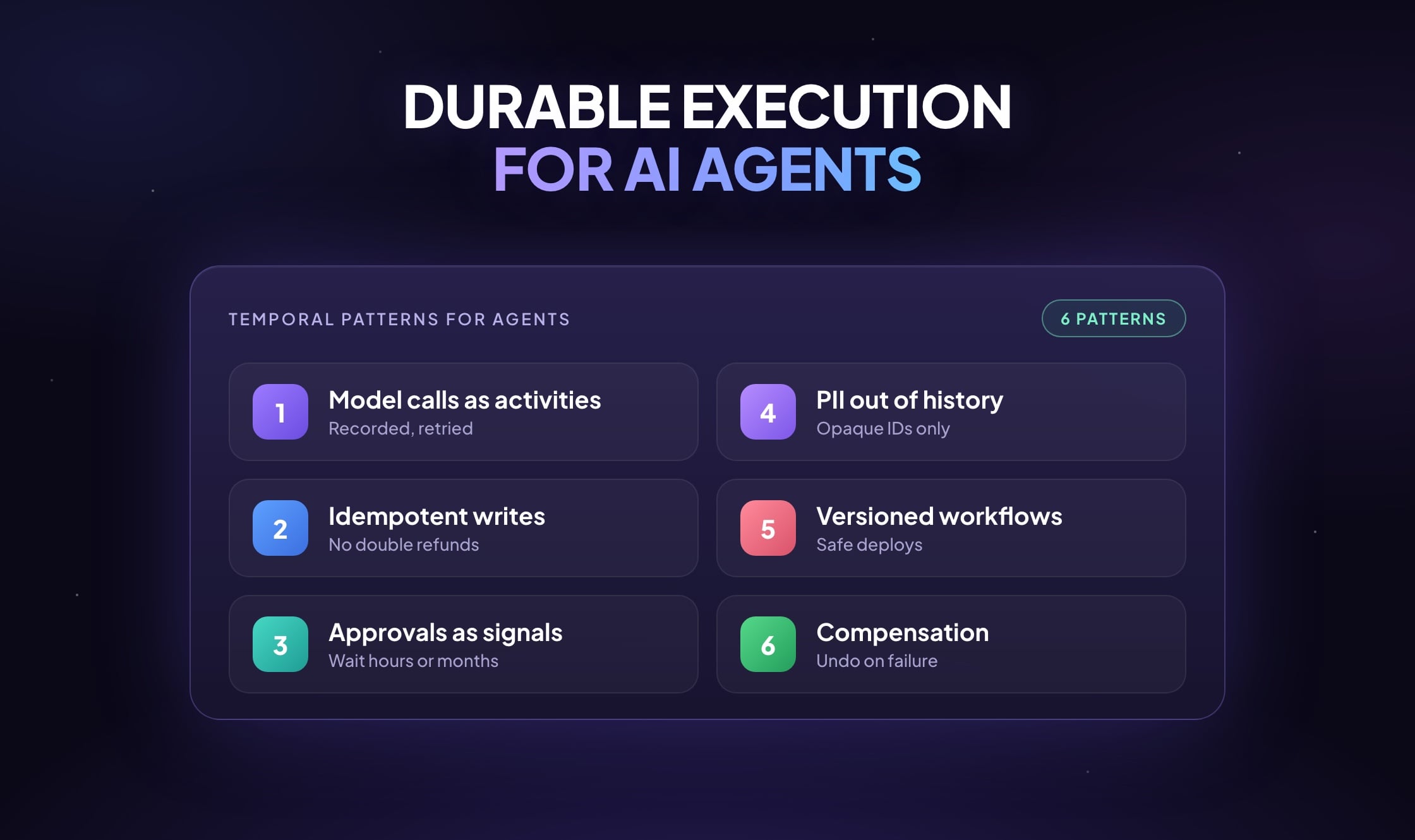
Under the hood, we designed Wippy to make AI agents feel like a native part of your product while you keep control. For example, it handles multi-tenancy, agent orchestration and secure tool execution. It also abstracts the LLM layer across OpenAI, Claude, Gemini and others, and manages the lifecycle of workflows and prompts.
So you don’t need to build your own agent infrastructure, prompt versioning or tool schema management. Instead, you can run the runtime in your own environment or as a managed service. As a result, AI features can become margin-positive products instead of experiments.
AI Agent Features SaaS Customers Pay For
Here’s how product teams already embed Wippy agents to drive stickiness, upsells and premium plans.
Smart quoting agents
A manufacturing SaaS company added an agent that configures custom products and returns the right price. To do that, it draws on historical deals, invoices, product data and past RFP and RFQ responses. As a result, quote turnaround dropped by 32%, and 60% of enterprise accounts adopted the AI add-on.
Onboarding agents
An HR software platform deployed a Wippy agent that walks new users through setup. First, it asks questions, then it creates workflows and loads demo content through chat or a web form. Onboarding fell from 12 days to 3, and support tickets dropped by 40%. As a result, the company bundled the feature into its $2K+ “Pro” plan.
Document parsing and workflow automation
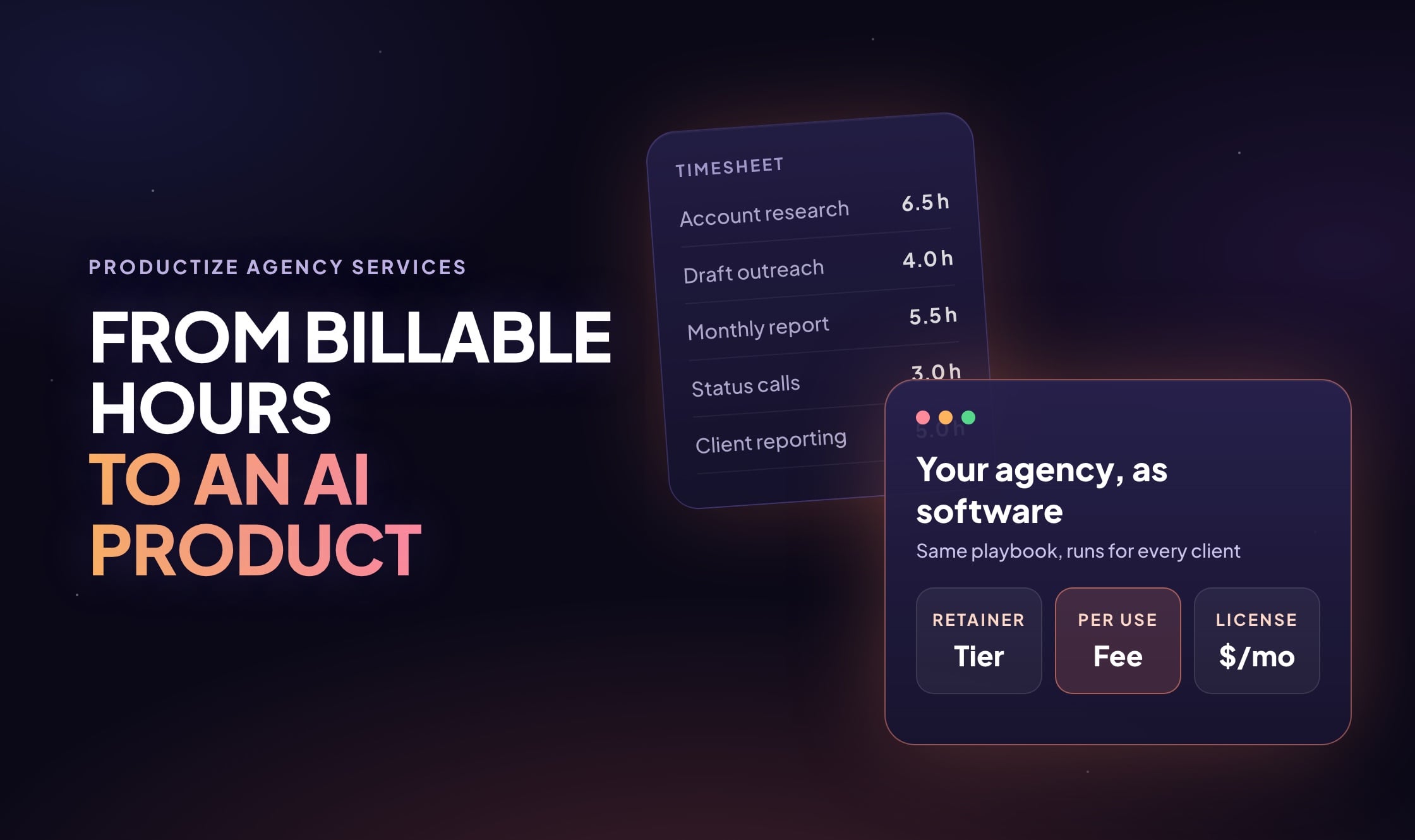
A legaltech platform embedded Wippy agents that pull structured data and redlines from contracts, then push key terms into workflows. In effect, that turned a one-time professional service into a product, priced at $199 a month per seat for “AI compliance automation.”
Three Pricing Models for AI Agent Features
There are three main ways to price embedded AI.
1. Flat monthly or per-tenant pricing (best for mid-market SaaS)
A predictable add-on fee makes budgeting easy, so customers sign up faster. We have seen companies charge a flat AI add-on per account. For example, that might be $99 a month for 2 agents, or $199 a month for up to 10 agents with custom workflows. On the technical side, Wippy can isolate agents per tenant, track usage and scope memory and tools.
2. Usage-based pricing (ideal for high-volume SaaS)
Here you charge by API calls, document volume, agent runs or tokens. For example, you might charge $0.50 per document parsed, or $0.10 per LLM call above a base quota. Wippy provides the logs and metrics you need for billing.
3. Outcome-based or ROI-tied pricing (best for SaaS with operational impact)
If your AI features save money or generate revenue directly, tie the price to that return. Examples include $3 per completed workflow, 2% of cost savings found by quote optimization agents, or 1% of net new deals closed with sales response agents.
Sample Margin Model for an AI Agent Feature
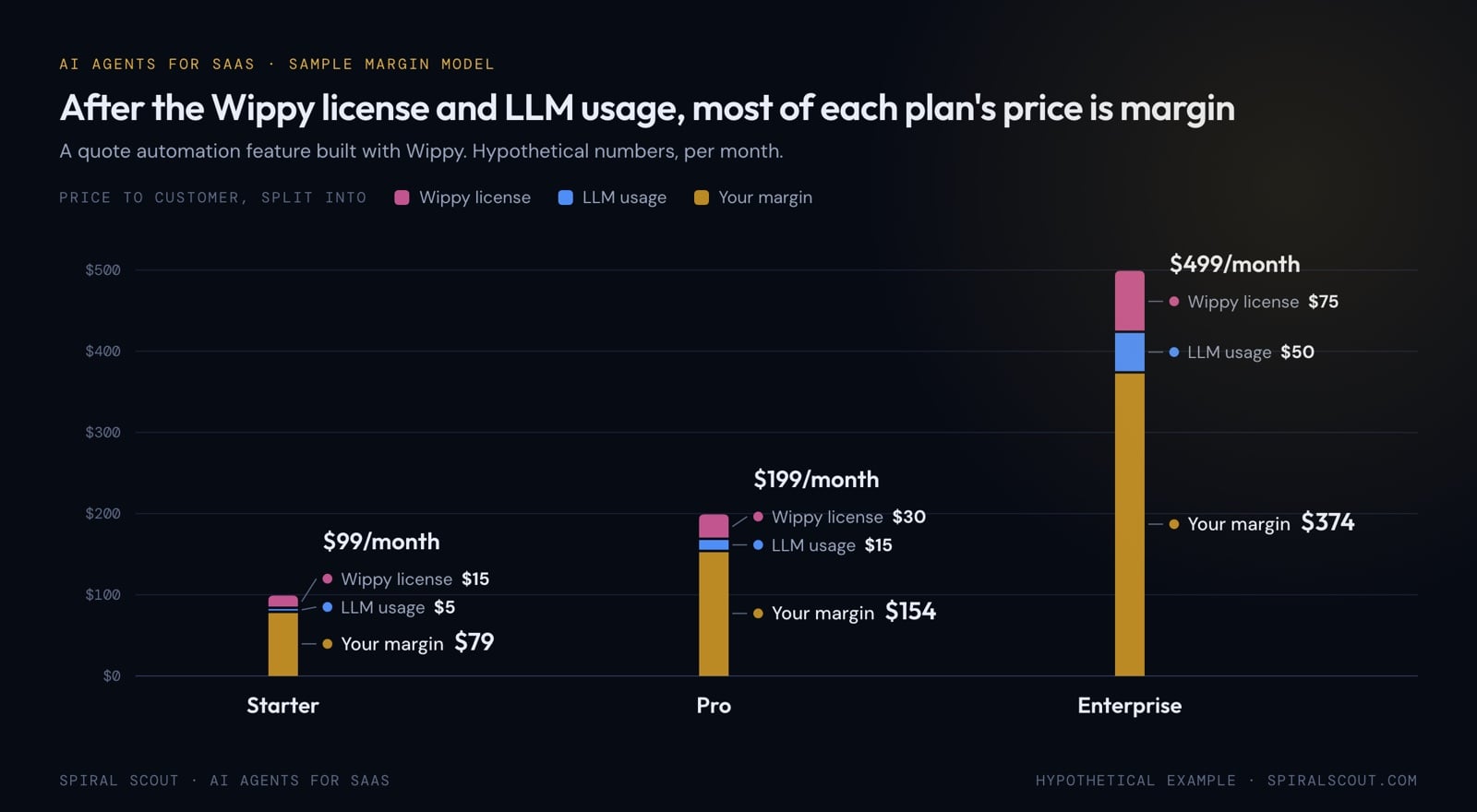
For example, here’s how you might model margin on a quote automation feature built with Wippy. The numbers are hypothetical.
| Plan tier | Your price to customer | Wippy license | LLM usage | Your margin |
| Starter | $99/month | $15/month | $5/month | $79/month |
| Pro | $199/month | $30/month | $15/month | $154/month |
| Enterprise | $499/month | $75/month | $50/month | $374/month |
Currently, Wippy licenses are available in seat-based or tenant-based bundles. Also, you can track LLM usage per agent and per org or user.
What Makes AI Agent Features Resellable and Maintainable
Selling AI features takes the right infrastructure, and Wippy covers five needs.
First, you can white-label agents, with custom memory, prompts and behavior per customer. Second, concurrency is safe: agents run per user, per tenant or per workflow, isolated by design. Third, integration is API-first, so a webhook, chat, REST call or your product UI can trigger an agent.
Fourth, the registry tracks every change to prompts and tools, so rollbacks are safe and updates stay clean. Finally, analytics and telemetry track agent usage, token spend and performance. You get managed AI infrastructure without giving up control, branding or product quality.
Your Next Step: Start With the Outcome
If you’re thinking about embedding AI agents, don’t start with infrastructure. Instead, start with outcomes, ideally with help from SaaS AI integration consulting. Ask where you can automate 60% of a manual task, and how much time that would save your team or your users. Then ask which customer pain point they would happily pay to remove, and which professional service could become a feature.
From there, Wippy gives you an interface, a frontend and a backend to turn the answer into software. That’s faster than building it yourself, yet you can still make it your own. If you want a fixed plan first, Phase Zero maps the workflow and sets the scope and price before the build. For the bigger business shift, see our take on agents as a service.
Need help embedding AI into your SaaS product?